Design workflow and devices in dphox#
In this tutorial, we discuss the design workflow for dphox, and specifically what must be done to efficiently lay out devices and tapeouts using the module using the Device class, which is analogous to a Cell in a GDS file.
Import#
[1]:
import dphox as dp
import numpy as np
import holoviews as hv
from trimesh.transformations import rotation_matrix
hv.extension('bokeh')
import warnings
warnings.filterwarnings('ignore') # ignore shapely warnings


Device#
A Device in dphox can be defined in terms of a list of (Pattern, layer_name) tuples and/or Device’s (mixtures of the two are OK). The layer names should be specifically designed to map to different foundries, and this is the inspiration behind dphox’s CommonLayer enumeration.
CommonLayer#
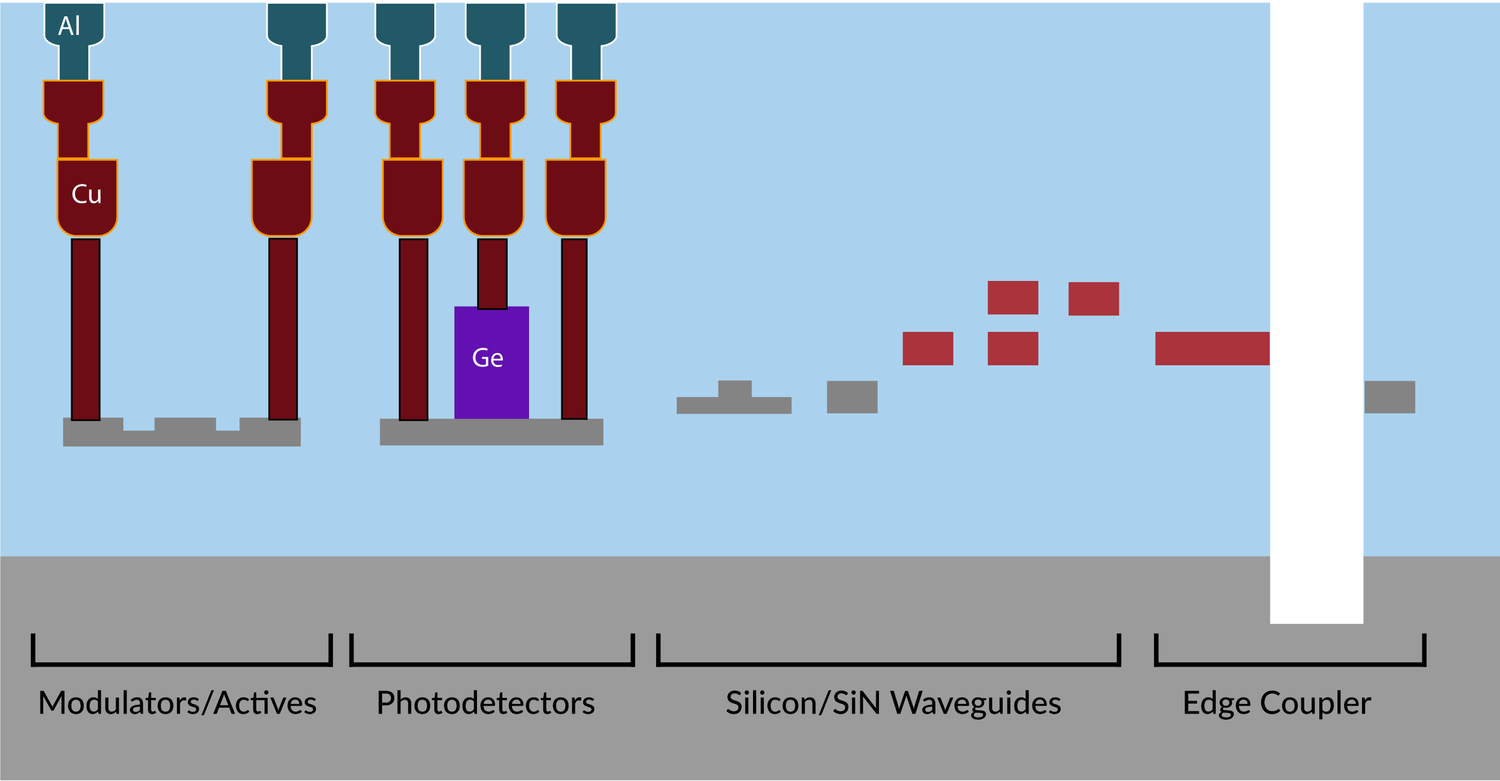
Though this is provided also in the documentation and below we specifically enumerate the CommonLayer options for reference in this tutorial, which are just an enumeration of standard layer names:
RIDGE_SI: Ridge silicon waveguide layer.
RIB_SI: Rib silicon waveguide layer.
PDOPED_SI: Lightly P-doped silicon (implants into the crystalline silicon layer).
NDOPED_SI: Lightly N-doped silicon (implants into the crystalline silicon layer).
PPDOPED_SI: Medium P-doped silicon (implants into the crystalline silicon layer).
NNDOPED_SI: Medium N-doped silicon (implants into the crystalline silicon layer).
PPPDOPED_SI: Highly P-doped silicon (implants into the crystalline silicon layer).
NNNDOPED_SI: Highly N-doped silicon (implants into the crystalline silicon layer).
RIDGE_SIN: Silicon nitride ridge layer (usually above silicon).
ALUMINA: Alumina layer (for etch stop and waveguides, usually done in post-processing).
POLY_SI_1: Polysilicon layer 1 (typically used in MEMS process).
POLY_SI_2: Polysilicon layer 2 (typically used in MEMS process).
POLY_SI_3: Polysilicon layer 3 (typically used in MEMS process).
VIA_SI_1: Via metal connection from si to metal_1.
METAL_1: Metal layer corresponding to an intermediate routing layer (1).
VIA_1_2: Via metal connection from metal_1 to metal_2.
METAL_2: Metal layer corresponding to an intermediate routing layer (2).
VIA_2_PAD: Via metal connection from metal_2 to metal_pad.
METAL_PAD: Metal layer corresponding to pads that can be wirebonded or solder-bump bonded from the chip surface.
HEATER: Heater layer (usually titanium nitride).
VIA_HEATER_2: Via metal connection from heater to metal_2.
CLAD: Cladding layer (usually oxide).
CLEAROUT: Clearout layer for a MEMS release process.
PHOTONIC_KEEPOUT: A layer specifying where photonics cannot be routed.
METAL_KEEPOUT: A layer specifying where metal cannot be routed.
BBOX: Layer for the bounding box of the design.
[2]:
dp.CommonLayer.RIDGE_SI
[2]:
<CommonLayer.RIDGE_SI: 'ridge_si'>
Foundry#
A foundry process is defined using the Foundry class which maps every layer_name to a gds_label which is of the form (layer, datatype) (e.g. CommonLayer.RIDGE_SI in FABLESS has a gds_label of (100, 0)). Additionally, all default colors, materials, 3D operations, layer thicknesses etc. are determined by the ProcessStep’s in a Foundry.
Foundries are generally secretive about their exact stack/gds labels/layer thicknesses. We therefore define a FABLESS foundry that has some typical dimensions for the various layers, referencing the idea that dphox is a fab-agnostic design tool. FABLESS can be accessed via dp.FABLESS, but we specifically enumerate it below.
[3]:
FABLESS = dp.Foundry(
stack=[
# 1. First define the photonic stack
dp.ProcessStep(dp.ProcessOp.GROW, 0.2, dp.SILICON, dp.CommonLayer.RIDGE_SI, (100, 0), 2),
dp.ProcessStep(dp.ProcessOp.DOPE, 0.1, dp.P_SILICON, dp.CommonLayer.P_SI, (400, 0)),
dp.ProcessStep(dp.ProcessOp.DOPE, 0.1, dp.N_SILICON, dp.CommonLayer.N_SI, (401, 0)),
dp.ProcessStep(dp.ProcessOp.DOPE, 0.1, dp.PP_SILICON, dp.CommonLayer.PP_SI, (402, 0)),
dp.ProcessStep(dp.ProcessOp.DOPE, 0.1, dp.NN_SILICON, dp.CommonLayer.NN_SI, (403, 0)),
dp.ProcessStep(dp.ProcessOp.DOPE, 0.1, dp.PPP_SILICON, dp.CommonLayer.PPP_SI, (404, 0)),
dp.ProcessStep(dp.ProcessOp.DOPE, 0.1, dp.NNN_SILICON, dp.CommonLayer.NNN_SI, (405, 0)),
dp.ProcessStep(dp.ProcessOp.GROW, 0.1, dp.SILICON, dp.CommonLayer.RIB_SI, (101, 0), 2),
dp.ProcessStep(dp.ProcessOp.GROW, 0.2, dp.NITRIDE, dp.CommonLayer.RIDGE_SIN, (300, 0), 2.5),
dp.ProcessStep(dp.ProcessOp.GROW, 0.1, dp.ALUMINA, dp.CommonLayer.ALUMINA, (200, 0), 2.5),
# 2. Then define the metal connections (zranges).
dp.ProcessStep(dp.ProcessOp.GROW, 1, dp.COPPER, dp.CommonLayer.VIA_SI_1, (500, 0), 2.2),
dp.ProcessStep(dp.ProcessOp.GROW, 0.2, dp.COPPER, dp.CommonLayer.METAL_1, (501, 0)),
dp.ProcessStep(dp.ProcessOp.GROW, 0.5, dp.COPPER, dp.CommonLayer.VIA_1_2, (502, 0)),
dp.ProcessStep(dp.ProcessOp.GROW, 0.2, dp.COPPER, dp.CommonLayer.METAL_2, (503, 0)),
dp.ProcessStep(dp.ProcessOp.GROW, 0.5, dp.ALUMINUM, dp.CommonLayer.VIA_2_PAD, (504, 0)),
# Note: negative means grow downwards (below the ceiling of the device).
dp.ProcessStep(dp.ProcessOp.GROW, -0.3, dp.ALUMINUM, dp.CommonLayer.PAD, (600, 0), 5),
dp.ProcessStep(dp.ProcessOp.GROW, 0.2, dp.HEATER, dp.CommonLayer.HEATER, (700, 0), 3.2),
dp.ProcessStep(dp.ProcessOp.GROW, 0.5, dp.ALUMINUM, dp.CommonLayer.VIA_HEATER_2, (505, 0)),
# 3. Finally specify the clearout (needed for MEMS).
dp.ProcessStep(dp.ProcessOp.SAC_ETCH, 4, dp.ETCH, dp.CommonLayer.CLEAROUT, (800, 0)),
dp.ProcessStep(dp.ProcessOp.DUMMY, 4, dp.DUMMY, dp.CommonLayer.TRENCH, (41, 0)),
dp.ProcessStep(dp.ProcessOp.DUMMY, 4, dp.DUMMY, dp.CommonLayer.PHOTONIC_KEEPOUT, (42, 0)),
dp.ProcessStep(dp.ProcessOp.DUMMY, 4, dp.DUMMY, dp.CommonLayer.METAL_KEEPOUT, (43, 0)),
dp.ProcessStep(dp.ProcessOp.DUMMY, 4, dp.DUMMY, dp.CommonLayer.BBOX, (44, 0)),
],
height=5
)
place#
In a nutshell, the key point to realize is that most photonic integrated circuits contain repeated Cells (e.g. in our the introductory tutorial that included the repeated MZI unit cells). Therefore, when designing layouts, it is most efficient to define references rather than recreating the same device or set of polygons over and over again.
Behind the scenes, the GDS references are just rotate/translate/scale transformations (called GDSTransform is dphox).
Ultimately, this saves a ton of time / reduces overhead in the usual photonic designer workflow, and saves a lot of storage when saving a GDS file.
In explaining the place function, we will specifically implement the with_gratings method in dp.Interposer, which places gratings at the outputs of a waveguide pitch interposer. We glossed over this in the introductory photonics tutorial but we will specifically cover it here.
[4]:
grating = dp.FocusingGrating(
n_env=dp.AIR.n,
n_core=dp.SILICON.n,
min_period=40,
num_periods=30,
wavelength=1.55,
fiber_angle=82,
duty_cycle=0.5,
waveguide_w=2
)
interposer = dp.Interposer(
waveguide_w=2,
n=6,
init_pitch=50,
final_pitch=127,
self_coupling_extension=50
).device().rotate(90) # to make it easier to see things
[5]:
grating.hvplot()
[5]:
[6]:
interposer.hvplot()
[6]:
Now let’s see what happens after we add gratings to the interposer using place.
[7]:
for i in range(6):
interposer.place(grating, interposer.port[f'b{i}'], grating.port['a0'])
interposer.place(grating, interposer.port[f'l0'], grating.port['a0'])
interposer.place(grating, interposer.port[f'l1'], grating.port['a0'])
[8]:
interposer.hvplot()
[8]:
clear#
In some cases (e.g., working in a notebook) you may want to remove or undo placing a reference. So this is accomplished via clear.
[9]:
interposer.clear(grating)
interposer.hvplot()
[9]:
Example devices and visualizations#
Via#
A via / metal multilayer stack.
[10]:
via1 = dp.Via((2, 2), 0.2)
via2 = dp.Via((2, 2), 0.2, pitch=4, shape=(3, 3),
metal=[dp.CommonLayer.VIA_HEATER_2, dp.CommonLayer.METAL_2, dp.CommonLayer.PAD],
via=[dp.CommonLayer.VIA_HEATER_2, dp.CommonLayer.VIA_1_2, dp.CommonLayer.VIA_2_PAD])
via1.hvplot().opts(title='single via, single layer') + via2.hvplot().opts(title='array via, multilayer')
[10]:
[11]:
scene = via2.trimesh()
scene.apply_transform(rotation_matrix(-np.pi / 3, (1, 0, 0)))
scene.show()
[11]:
FocusingGrating#
A focusing grating can be defined using a partial etch and a full etch. We’ve already discussed this in the tutorial and above, but we will plot the focusing grating using trimesh below:
[12]:
grating = dp.FocusingGrating(
n_env=dp.AIR.n,
n_core=dp.SILICON.n,
min_period=40,
num_periods=30,
wavelength=1.55,
fiber_angle=82,
duty_cycle=0.5,
waveguide_w=2
)
scene = grating.trimesh()
# apply some settings to the scene to make the default view more palatable
scene.apply_transform(np.diag((1, 1, 5, 1))) # make it easier to see the grating lines by scaling up the z-axis by 5x
scene.apply_transform(rotation_matrix(-np.pi / 2.5, (1, 0, 0)))
scene.show()
[12]:
RibDevice#
A rib device is useful for rib waveguides and tapers. It effectively provides a rib cross section.
[13]:
core = dp.straight(length=10).path(0.5)
slab = dp.cubic_taper(init_w=0.5, change_w=0.5, length=10, taper_length=3)
dp.RibDevice(core, slab).hvplot()
[13]:
ThermalPS#
A thermal phase shifter is similar in spirit to a waveguide device.
[14]:
ps = dp.ThermalPS(dp.straight(10).path(1), ps_w=2, via=dp.Via((0.4, 0.4), 0.1,
metal=[dp.CommonLayer.HEATER, dp.CommonLayer.METAL_2],
via=[dp.CommonLayer.VIA_HEATER_2]))
ps.hvplot()
[14]:
The thermal phase shifter can in a sense be also thought of as a cross section, since the phase shifter can be set above any desired path.
[15]:
spiral_ps = dp.ThermalPS(dp.spiral_delay(8, 1, 2).path(0.5),
ps_w=1, via=dp.Via((0.4, 0.4), 0.1,
metal=[dp.CommonLayer.HEATER, dp.CommonLayer.METAL_2], via=[dp.CommonLayer.VIA_HEATER_2]))
spiral_ps.hvplot()
[15]:
Visualize using trimesh.
[16]:
scene = spiral_ps.trimesh()
scene.apply_transform(rotation_matrix(-np.pi / 2.5, (1, 0, 0)))
scene.show()
[16]:
MZI#
An MZI is defined by a directional coupler DC, and a list of components with ports a0, b0 placed on the MZI arms. Any difference in arm length is compensated by a waveguide of sufficient length to ensure equal arm horizontal length.
DISCLAIMER: this is not a recommended physical design, just for demo purposes.
[17]:
dc = dp.DC(waveguide_w=1, interaction_l=2, radius=2.5, interport_distance=10, gap_w=0.5)
mzi = dp.MZI(dc, top_internal=[ps.copy], bottom_internal=[ps.copy], top_external=[ps.copy], bottom_external=[ps.copy])
mzi.hvplot()
[17]:
Here are some MZIs that have a different number of components in each of the arms.
[18]:
mzi = dp.MZI(dc, top_internal=[ps, dp.bent_trombone(4, 10).path(1)],
bottom_internal=[ps], top_external=[ps], bottom_external=[ps])
mzi.hvplot()
[18]:
We also have option to ignore some of the devices.
[19]:
from dphox.demo import grating
dc = dp.DC(waveguide_w=0.5, interaction_l=10, radius=5, interport_distance=40, gap_w=0.3)
tap_dc = dp.TapDC(
dp.DC(waveguide_w=0.5, interaction_l=0, radius=2, interport_distance=5, gap_w=0.3), radius=2,
).with_gratings(grating)
mzi = dp.MZI(dc, top_internal=[spiral_ps, tap_dc, 5], bottom_internal=[spiral_ps, tap_dc])
for port in mzi.port.values():
mzi.place(grating, port)
mzi.hvplot()
[19]:
[20]:
mzi.path(flip=True).hvplot()
[20]:
Finally, let’s look at our spiral phase shifter MZI in 3D.
[21]:
scene = mzi.trimesh()
# scene.apply_transform(np.diag((1, 1, 5, 1))) # make it easier to see the grating lines by scaling up the z-axis by 5x
scene.apply_transform(rotation_matrix(-np.pi / 2.5, (1, 0, 0)))
scene.show()
[21]:
LocalMesh#
Turn this into a rectangular mesh (this takes some time because there are a lot of points in the spiral delay path.
[22]:
dp.LocalMesh(mzi, 8, triangular=False).hvplot()
[22]: